

Kindoo Building Access Instructions
Do I Need Access?
Many Church callings receive building access automatically through the Kindoo system.
If you have recently been called to a position that requires building access, your access should be added automatically once your calling is recorded in Church records.
If you believe you should have access but have not received your invitation email or do not see your building in the Kindoo app, please send a text message to:
Daniel Tuutau
Stake Kindoo Administrator
801-867-6686
Please include:
- Your name
- Ward
- Calling
- The building you need access to
Step 1: Watch for Your Invitation Email
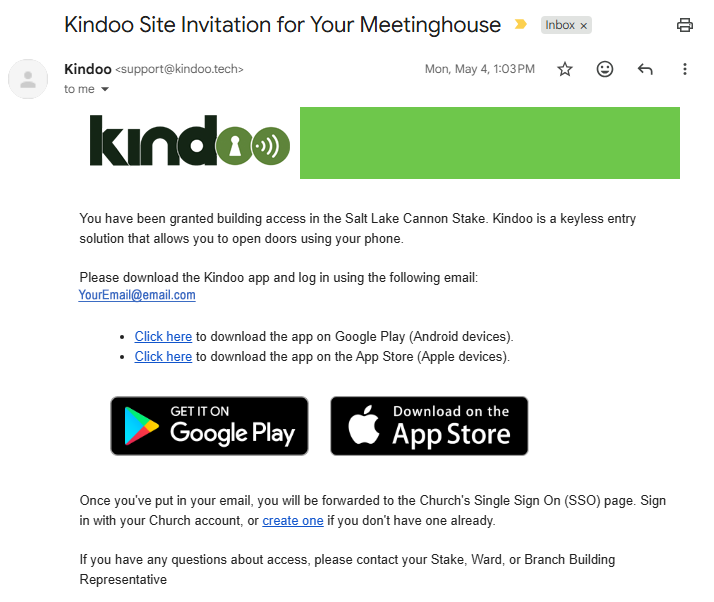
If you have been granted access and are new to Kindoo, you should receive an email invitation from Kindoo.
If you do not receive an invitation:
- Check your spam or junk folder.
- Verify that your Church Account email address is correct.
- Send a text message to the stake Kindoo administrator.
Note: If you already use Kindoo in another stake or organization, you may not receive a new invitation email. In many cases, your new building access will simply appear in your existing Kindoo account.
Step 2: Download the Kindoo App
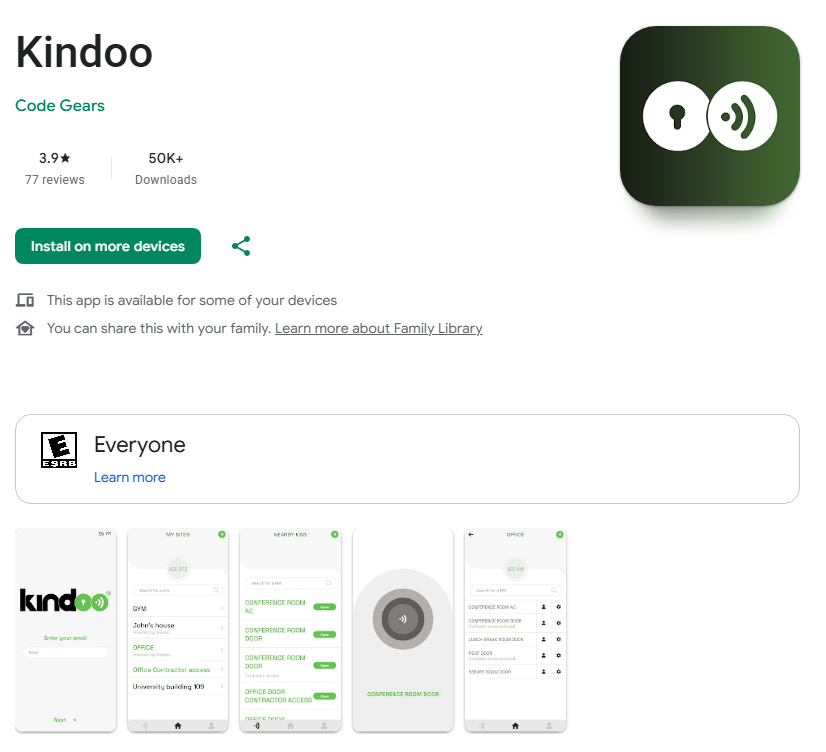
Install the Kindoo app using the instructions in your invitation email.
Allow the app to use:
- Bluetooth
- Location services (if requested by your phone)
These permissions help the app communicate with the building access system.
Step 3: Sign In
Open the Kindoo app and sign in using the same email address associated with your Church Account.
The email address used in Kindoo must match the email address that was granted access.
Step 4: Verify Your Building Access
After signing in, you should see the buildings that you have permission to access.
If your building does not appear:
- Confirm you signed in with the correct email address.
- Allow time for changes to synchronize.
- Send a text message to the stake Kindoo administrator if the issue continues.
Step 5: Unlock the Building
When you arrive at the building:
- Turn on Bluetooth.
- Open the Kindoo app.
- Select the building.
- Tap the Unlock button.
- Wait for confirmation.
- Open the door.
You may need to stand near the door for the system to communicate with the lock.
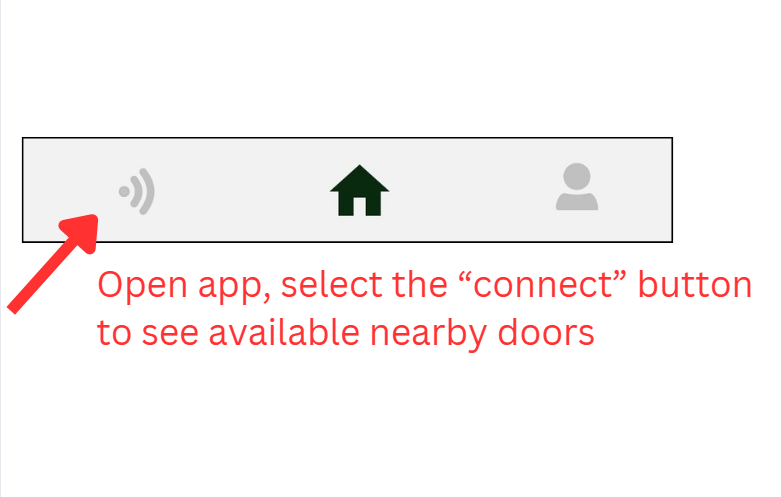
Here is a video that illustrates how to use the app to access the building:
Need Help?
Please text:
Daniel Tuutau
Stake Kindoo Administrator
801-867-6686